Your free business card that saves you to their phone in one scan.
A real business card you print anywhere, with two QR codes. Scan the front: your contact saves to their phone, spelled right. Scan the back: they see what you're looking for and what you can offer, and they can send their contact back to you in one tap. For anyone who meets people: sales, owners, agents, brokers, founders, freelancers.
Headshot, square or portrait
Your logo (brokerage or personal brand), PNG with transparent background works best
Second logo (optional): team, designation, or a second brand
Leave blank and we write one from your tags. The italic word is the last one.
At a conference: Save to my phone gives you one tall image with both QR codes; keep it in Favorites and hold it up. Text my card to me puts your live card link in your messages. Two ways to print. Save as PDF from the print dialog gives a two-page file, front and back, exactly 3.5 × 2 inches. Download print files gives two PNGs at business-card size and 300 dpi (1050 × 600), which is what print shops ask for.
Your card is yours. After the conference it becomes your search-ready bio page if you want the rest of the system. If not, it keeps working as a card.
Looking for referral partners · Can offer commercial referrals
Save Contact
Connect
BizMixer Cardbizmixercard.com/jordan-alvarez
Match on the floor
How to use it, and why it beats any card out there
A regular business card is a chore: you collect it, you type it into your contacts or your CRM, you forget why you kept it. This one does the work on the spot, and it's free.
1. Make it
Two minutes. Name, what you do, your photo and logos, then check what you're looking for and what you can offer, or type your own. The preview builds as you type.
2. Carry it
Print it like a regular card, or Save to my phone and keep the image in your Favorites. At a table, hold it up; no app on either side.
3. They scan the front
Your contact saves to their phone, correctly spelled, with your title and company. Nothing for anyone to type.
4. They scan the back
Your card page opens: what you're looking for, what you can offer, tap-to-call, tap-to-email, and a Save button. The conversation starts in the right place.
5. They share back
One tap on your card page and they send you their name, email, and a note. It lands on your analytics page, so you know who you met and why, without a stack of cards on the desk.
6. Before the conference
Send your card link ahead: "Coffee Tuesday?" They already know what you do and what you're looking for when you sit down.
7. See it working
Your private analytics page counts scans, saves, and shared contacts by day. You'll know which room was worth it.
Pro
Full history, an email the moment someone shares back, export to CSV or send to your CRM, unlimited cards, your brand on the card page. $19 a year.
Know someone who networks? Send them the card. It's free, and every scan they get is a person you might meet too.
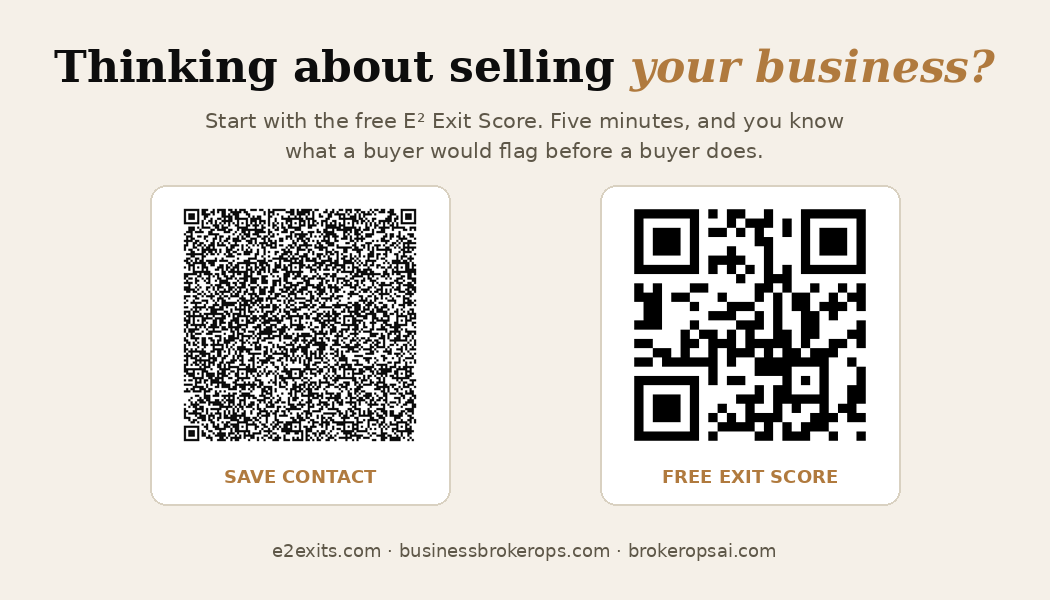
Point your camera at the front code and tap Add contact; that's what your card will do for everyone you meet. Scan the back to see my referral page. Then make yours above; I'd like to have you in my phone too.
Scan either code from the screen. Then make yours above, or to see how it was made. Open full size
Your proof
Check spelling, phone, email, and both QR codes (scan them with your phone from the screen). What you see is exactly what prints: 3.5 × 2 inches at 300 dpi.